Disclosure: some links on this page are affiliate links. If you buy through one, otosreview.com may earn a commission. It does not change the price you pay.
AIGrampa launched on August 10, 2026, and the front end was $27 that day. When I opened the JVZoo checkout again on October 30, the same Starter plan cost $47. That is a 74% jump in under three months, and it is the first thing worth knowing if you are looking at it now rather than during launch week.
The second thing: the price is only part of the decision. AIGrampa is sold as a cheap front end followed by four upsells, and two of those upsells overlap almost completely. If you pick the wrong pair you pay $67 for features you already have.
I have not had an account inside AIGrampa, so this is not a hands-on review and I will not pretend to judge the video quality. What follows is built from the sales page, the vendor’s partner page, the JVZoo checkout (checked on launch day and again on October 30), and the notes I kept while tracking this launch. Where those sources disagree with each other, I say so.
If you just want the product page, it is here: AIGrampa front end (Starter plan). The rest of this page is about whether you should click it, and what to do after you do.
The short version
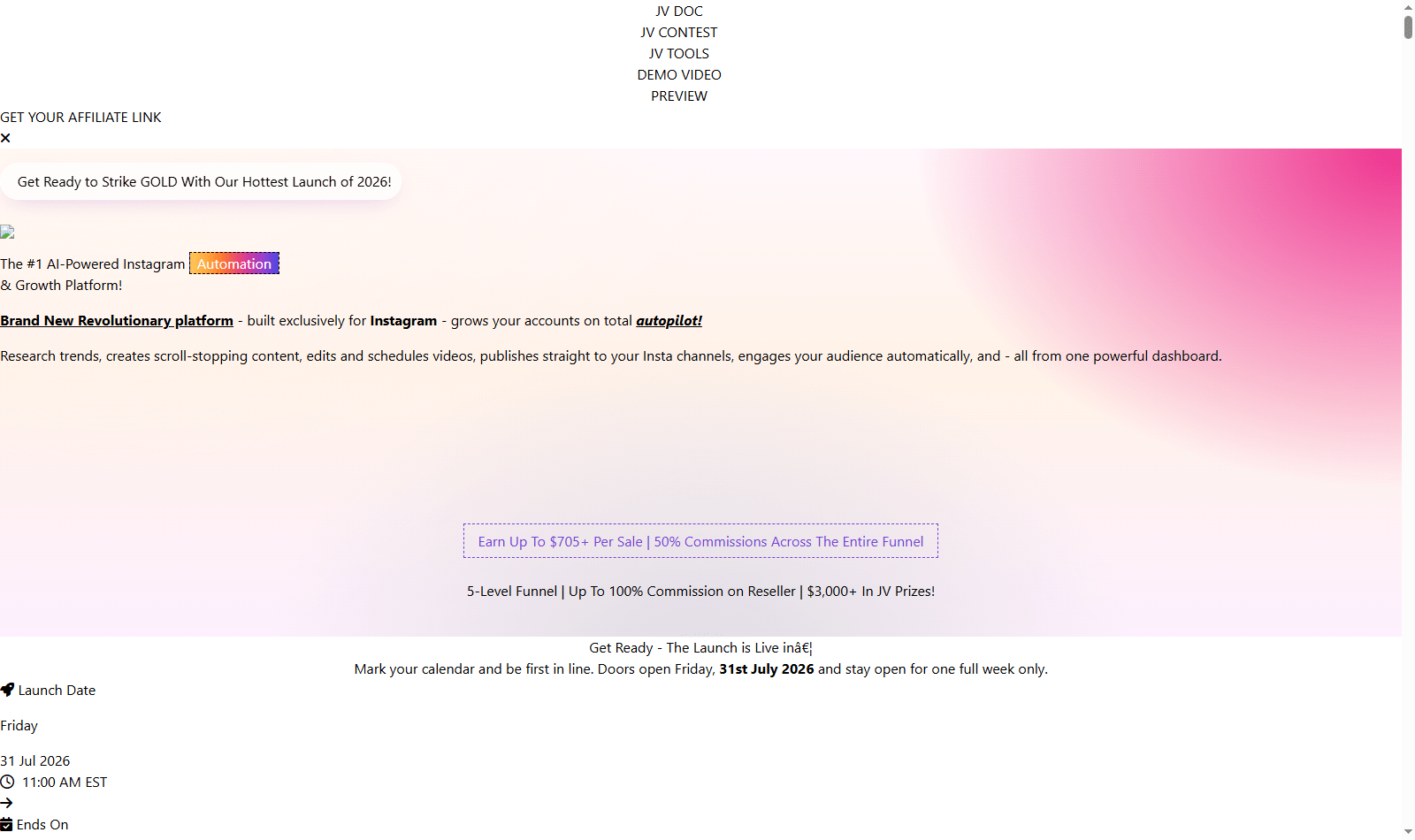
- What it is: a cloud dashboard for one job, running an Instagram account. It writes captions, makes images and short videos (including videos with an AI “persona” as the presenter), queues posts in a calendar, and auto-replies to comments.
- Who made it: Eric Holmlund and the Firelaunchers team. The sales page credits a developer named Ashwath with building the first version for his own use.
- Price now: $47 at checkout on October 30, 2026 (launch price was $27, list price on the partner page was $37). A $5 order bump appears on the checkout page.
- Refund: 30 days, requested through a support ticket.
- Upsells: Pro $67, Unlimited $127, DFY Content Pack $47, Reseller $97 (vendor launch prices).
- My take on the upsells: most people should choose between Starter alone or Starter plus Unlimited. Pro only makes sense if you will never need more than 10 accounts and want to save $60.
How the price moved since launch
Launch funnels on JVZoo almost always raise prices after the first week, but it is rare to see the actual numbers written down. These are the prices I saw at the live checkout, not the prices the sales copy promised:
| Date | Front-end price at checkout | Source |
|---|---|---|
| Jul 31, 2026 (pre-launch) | $37 listed | Vendor partner page |
| Aug 10, 2026 (launch day) | $27 early-bird | JVZoo checkout |
| Oct 30, 2026 | $47 | JVZoo checkout |
The sales page still says the launch price is “$27. Once.” and that after launch “AIGrampa moves to a monthly subscription model.” The checkout I saw on October 30 showed $47.00 without a recurring label, so either the subscription switch has not happened yet or it is handled somewhere I could not see before paying. Check the order summary carefully before you enter card details. If it says “per month,” you are on the new model.
There is also a coupon. When you move your mouse to leave the sales page, a pop-up offers the code AIGR7 for $7 off. I did not complete a purchase, so I cannot confirm it still applies at checkout, but it costs nothing to try.
What the $47 Starter plan actually gives you
The sales page lists 15 “features,” but several are the same feature counted twice (the “Basic Caption Generator” and the “AI Content Writer” are both text generation). Stripped down, Starter is a set of monthly quotas:
| Starter quota | Per month | What that means in practice |
|---|---|---|
| Instagram accounts | 1 | Instagram only. No TikTok, Facebook or YouTube posting on this plan. |
| AI text | 10,000 words | Roughly 70 to 100 captions at typical caption length |
| AI images | 50 | About 1.5 a day, enough for one image post daily |
| AI Studio videos | 10 | Short clips, separate from the persona videos |
| AI Persona videos | 10 (1 persona) | The talking-presenter style videos |
| “AI Grampa Videos” posts | Up to 3 a week | Up to 30 seconds each |
| Comment auto-replies | 500 | About 16 a day |
| Auto-DMs | 10 (or none, see below) | The sources disagree |
Two things stand out.
The DM limit is unclear. The public sales page says Starter includes “10 DMs a month.” The vendor’s partner page, the one written for affiliates, describes the same plan as “Automated comment replies: 500/month (no Auto-DMs).” Even at 10, that is a token amount. If direct messages are why you want this tool, you are really looking at Pro or Unlimited, not Starter.
The video count is the real limit. Reels drive most Instagram reach right now, and Starter gives you about 20 to 30 short videos a month across all three video types combined. For one account posting once a day, that is workable. For a page that needs two or three Reels a day, it runs out in the second week.
Things the sales page does not tell you, and that I would ask support before buying:
- Whether your Instagram account has to be a Business or Creator (professional) account. Instagram only lets outside apps publish and reply for professional accounts, so expect to switch if you have not already.
- What happens to unused monthly quota. Most tools in this category reset to zero each month.
- Which AI models power the video and persona features, which decides most of the output quality.
The four upsells, one by one
All four are offered after you buy the front end, inside the same checkout flow. Prices below are the vendor’s launch prices from the partner page.
Pro ($67): more of everything, up to 10 accounts
Pro multiplies the Starter quotas by five: 10 accounts, 50,000 words, 250 images, and 30 videos a month, with videos allowed up to 60 seconds instead of 30. It also unlocks the parts that Starter does not have: unlimited comment replies, real Auto-DMs, the advanced video editor with templates, automatic content repurposing, and custom watermarks.
If you only want to see the upgrade options before deciding, the AIGrampa Pro upgrade is shown after the front-end checkout.
Unlimited ($127): Pro without the caps, plus agency rights
This is the one to read carefully. Unlimited includes every Pro feature (Auto-DMs, the advanced editor, repurposing, watermarks, unlimited replies) and removes the quotas entirely: unlimited accounts, text, images and videos. On top of that it adds “Grandpa Never Sleeps,” which the vendor describes as round-the-clock autonomous content generation and scheduling from one set of instructions, multiple custom personas built from uploaded photos, and agency rights to run client accounts from one dashboard.
Because Unlimited contains Pro, buying both is paying $67 twice for the same features. The checkout will offer Pro first. If you already know you want Unlimited, decline Pro and wait for the next offer: AIGrampa Unlimited.
“Unlimited” on AI tools nearly always has a fair-use ceiling somewhere, because every generated video costs the vendor real compute. The sales materials do not mention one. I would assume there is a practical limit and not plan a business around truly unlimited video output.
DFY Content Pack ($47): ready-made content, not software
This one does not add features. It is a library: royalty-free videos with captions, hashtags and trending audio already added, a prompt library (captions, scripts, emails, DMs, ads), and 20+ pre-built automation workflows such as auto-reply sequences and DM templates. Access is listed as lifetime.
Who it is for: someone starting a faceless theme page who wants a backlog of posts on day one. Who it is not for: anyone posting about their own business, because generic stock Reels will not look like your brand. The DFY Content Pack is the easiest of the four to skip.
Reseller ($97): sell AIGrampa yourself
Reseller lets you sell AIGrampa as your own product and keep all of the sale price, using a sales funnel the vendor provides. It is also the level where affiliates earn 100% commission instead of 50%, which tells you who it is mainly aimed at: people with an email list in the make-money-online space.
If you do not already have buyers to sell to, this upgrade is a $97 bet on building an audience you do not have yet. If you do, the Reseller license pays for itself after a handful of sales.
Three sensible ways through the funnel
Using the launch prices for the upsells and today’s $47 for the front end:
| Path | You buy | Total | Makes sense if |
|---|---|---|---|
| Test it | Starter only | $47 | You run one account and want to see the output before spending more. You have 30 days to refund. |
| Grow one brand | Starter + Pro | $114 | You need Auto-DMs and longer videos, and will stay under 10 accounts. |
| Agency or many pages | Starter + Unlimited | $174 | You manage client accounts or several theme pages. Skip Pro. |
Buying every upsell comes to $385 at these prices. Unless you are planning to resell it, there is no profile where every upsell makes sense, because Pro and Unlimited overlap.
My suggestion: buy Starter, decline everything on the first pass, and spend a week producing real posts. Upsells in a JVZoo funnel are usually shown only once, right after checkout, so if you are unsure and want Unlimited later, contact support and ask whether it can be added after purchase. Vendors in this space usually allow it, but not always at the launch price.
Reading the sales page with a straight face
A few claims on the sales page deserve context, because they shape expectations.
“0 to 15,900 followers in roughly 90 days.” This is the headline result, and the account is not named or linked anywhere I could find. Follower growth also depends heavily on the niche and on what is posted, not only on the tool doing the posting. Treat it as the vendor’s story, not as a forecast for your account.
“$10K+” total value. The sales page compares AIGrampa to buying separate tools. Its own table lists those tools at $49, $29, $20, $19, $39 and $15 a month, which adds up to $171 a month, or about $2,050 a year. That is a fair point in AIGrampa’s favor. The “$10K+” figure and the “$1999/month” value given to the app itself do not come from that table, and you can ignore them.
Recent-purchase pop-ups. The page’s code contains a pop-up script that cycles through “purchased” notifications, and those notifications mention ViralRevenueAI, an earlier Firelaunchers product. It looks like a reused template. Do not read them as live sales activity.
None of this means the software is bad. It means the sales page is a sales page, and the only reliable test is the 30-day window.
About the vendor
Firelaunchers has been launching JVZoo software for years. The AIGrampa partner page lists earlier releases including ViralRevenueAI, CoursemateAI, AIProductEngine, AiSpokeStudio, AIContentFly, AiVideoSuite and Vidvoicer. Eric Holmlund’s team also launched AiBizEngine in October 2026, which I covered separately.
The partner page claims “consistently low refunds.” I have no way to verify refund rates, but a vendor that launches this often has a reason to keep support working, since a bad launch hurts the next one. The practical protection is still the same: buy, test inside the first two weeks, and file the support ticket early if it is not for you.
If short-form video for TikTok is closer to what you need, TokMax AI covers that platform instead of Instagram.
Questions people ask before buying
Is AIGrampa a one-time payment?
It was during launch week. The sales page says it moves to a monthly subscription after launch. On October 30, 2026 the checkout showed a $47.00 front end with no monthly label, so read the order summary before paying.
Do I need Pro if I buy Unlimited?
No. Unlimited includes all of Pro’s features (Auto-DMs, the advanced editor, repurposing, watermarks, unlimited replies) and removes the account and content caps. Buying both duplicates $67 of features.
Can AIGrampa post to TikTok or YouTube?
The platform is built for Instagram. Videos can be exported in formats sized for Reels, Shorts and TikTok, but automatic publishing is described for Instagram only.
Does the Starter plan include automatic DMs?
The sales page says 10 a month; the vendor’s partner page says Starter has no Auto-DMs. Either way, real DM automation is a Pro or Unlimited feature.
How do refunds work?
The sales page offers a 30-day refund through a support ticket on the vendor’s helpdesk.
Disclosure: otosreview.com may earn a commission if you buy through the links on this page. Prices were checked at the JVZoo checkout on the dates shown and can change at any time.
📅 Never miss a launch again
See every upcoming AI software launch with dates and the full OTO pricing before you buy, and get a free email alert the moment a launch goes live.